Contrary to how we typically start articles, I want to share a disclaimer: we know as much about Threads as you do.
That means we won’t be sharing any strategies or research-backed tips – instead, we’ll focus on: what you need to know about Threads and personal and expert observations about the platform.
So in this article, expect an overview of Threads from its July 5th launch date till date. This article and any after it will be updated regularly as the platform evolves. For now, here’s a look at Threads.
What is Threads?
Threads is a social media platform owned and operated by Meta (to be specific, Instagram) that many have said is reminiscent of how Twitter (or X as it’s now called) used to be.
The first confirmation about Threads came about in March 2023, when the world first heard about Meta’s latest project – a text-based app initially referred to as Project 92. Then Lia Haberman, creator of the ICYMI newsletter, published a viral issue with insider insights and the first speculation of a late June 2023 release date.
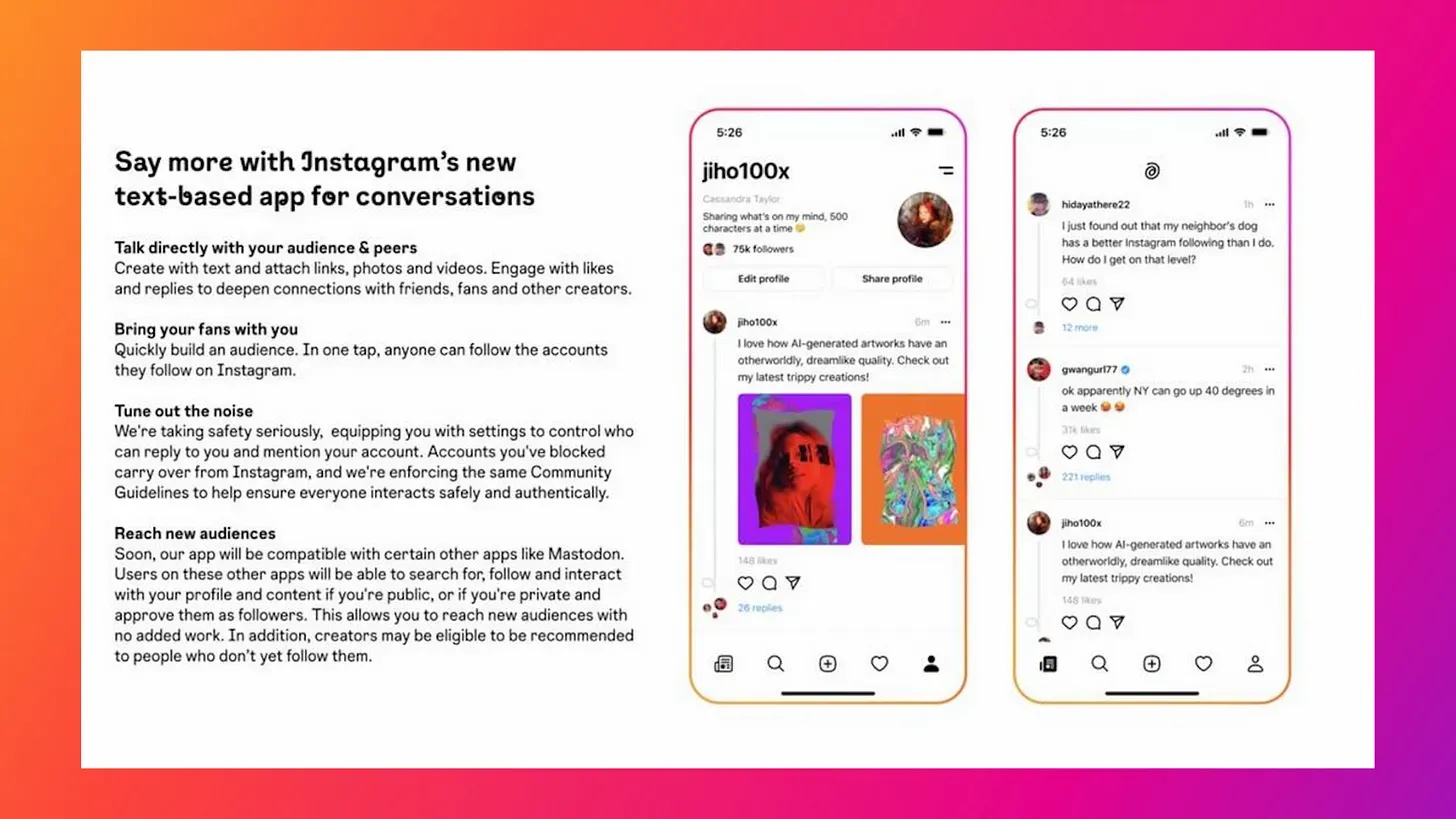
Meta followed up with a release date for Threads – July 5th, 2023, when it launched to 100 million users within five days. The app’s large initial user base can be directly connected to its initial seamless signup process:
- Download Threads to your phone
- Connect to your Instagram account
- Choose if you want to follow everyone you currently follow
- You’re in.
we’re in
and it’s good… pic.twitter.com/FQ3n2QUsNN
— tamilore (@tamioladipo) July 5, 2023
The speedy connection to Instagram meant users could have all their existing details pre-filled, lessening the time to get to the main Feed. It also meant that Instagram had its 2.35 billion-large user base moving to the new app. And that’s not counting the users in countries of the European Union that don’t yet have access.
Of course, things have calmed since, as active usage from its large user base has dipped 50 percent. That hasn’t deterred the team behind the project, though, as they release new features and updates to the app weekly. For them (and us), Threads is just getting started.
How to get free 5gb data instantly in your simcard
How to view private number for free new way revealed
How does Threads work?
In its simplest iteration, Threads lets you share text-based content of up to 500 words — with the option to create threads (yes, I know) and include links, photos, and videos. You see all this in one general Feed (although Meta is rolling out a “For You” and “Following” feed).
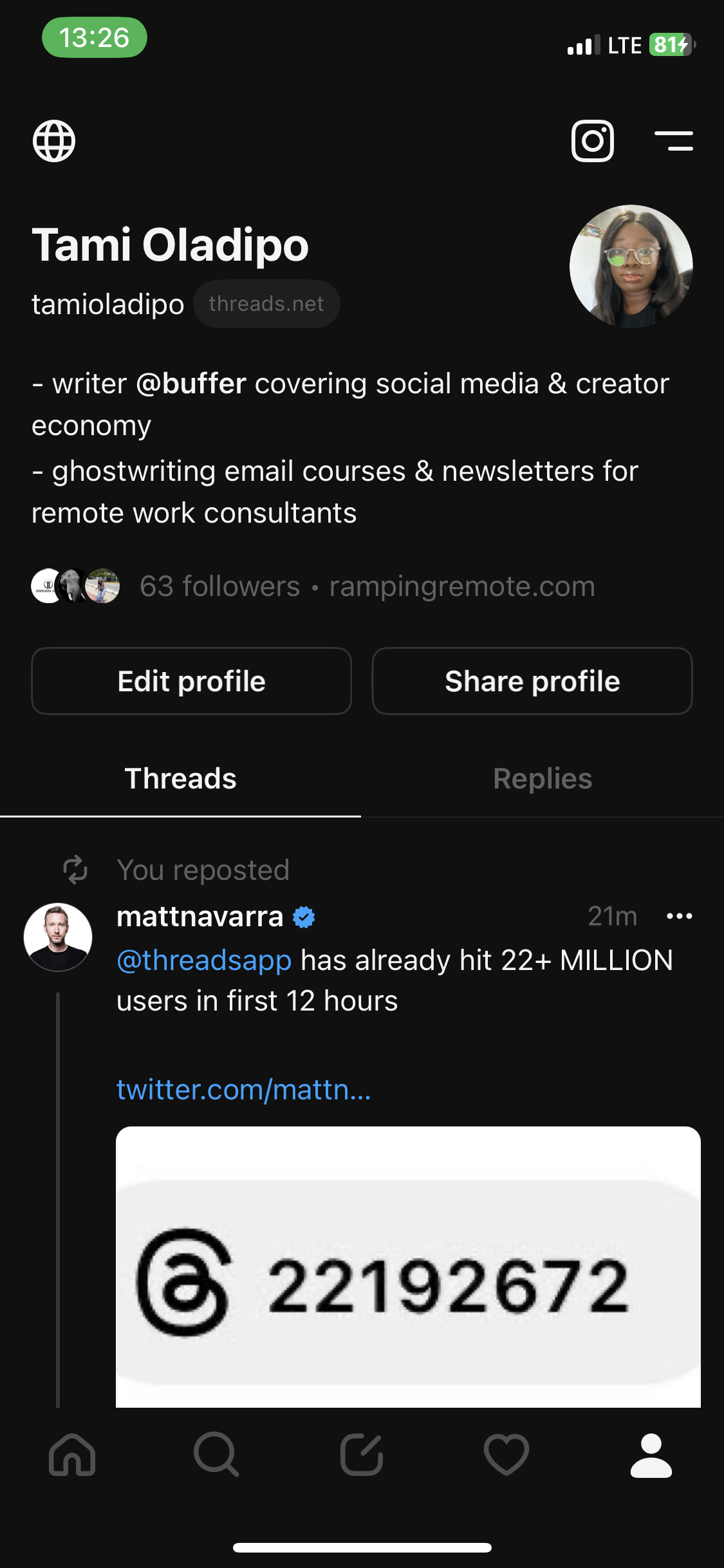
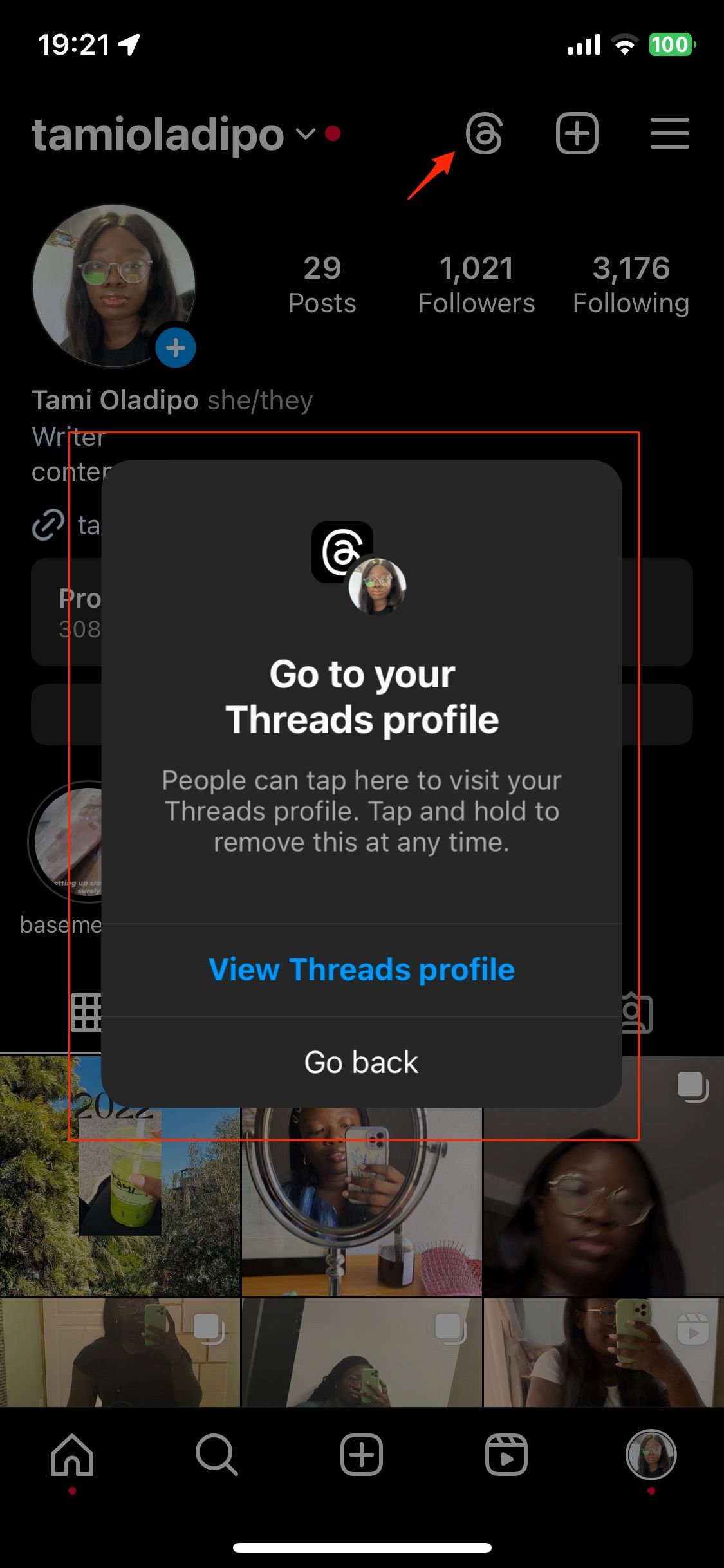
Instagram users and visitors to your profile can access your Threads account from your profile by clicking the Threads logo. You can return to your Instagram by clicking the Instagram logo in Threads. You can also easily cross-post your Threads to Instagram as in-feed posts or Stories.
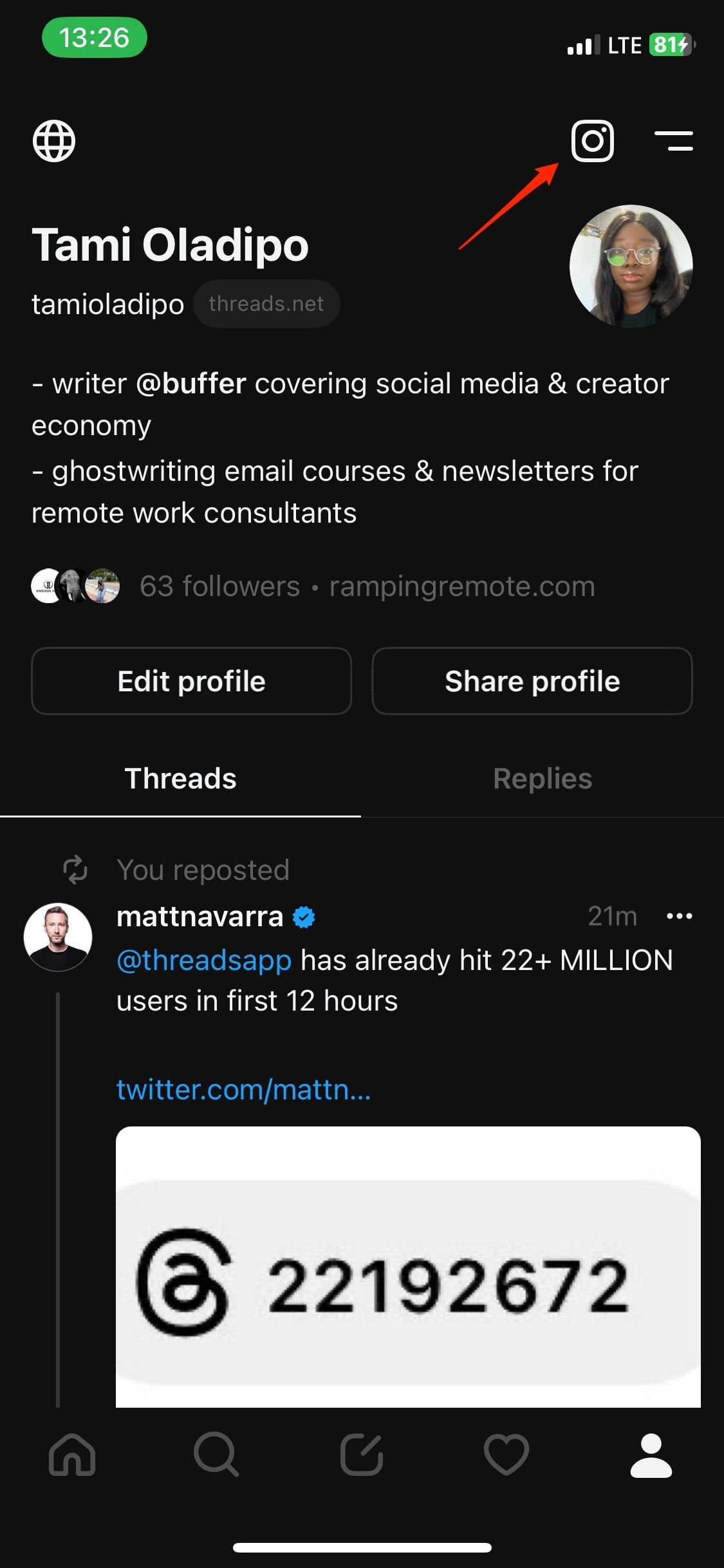
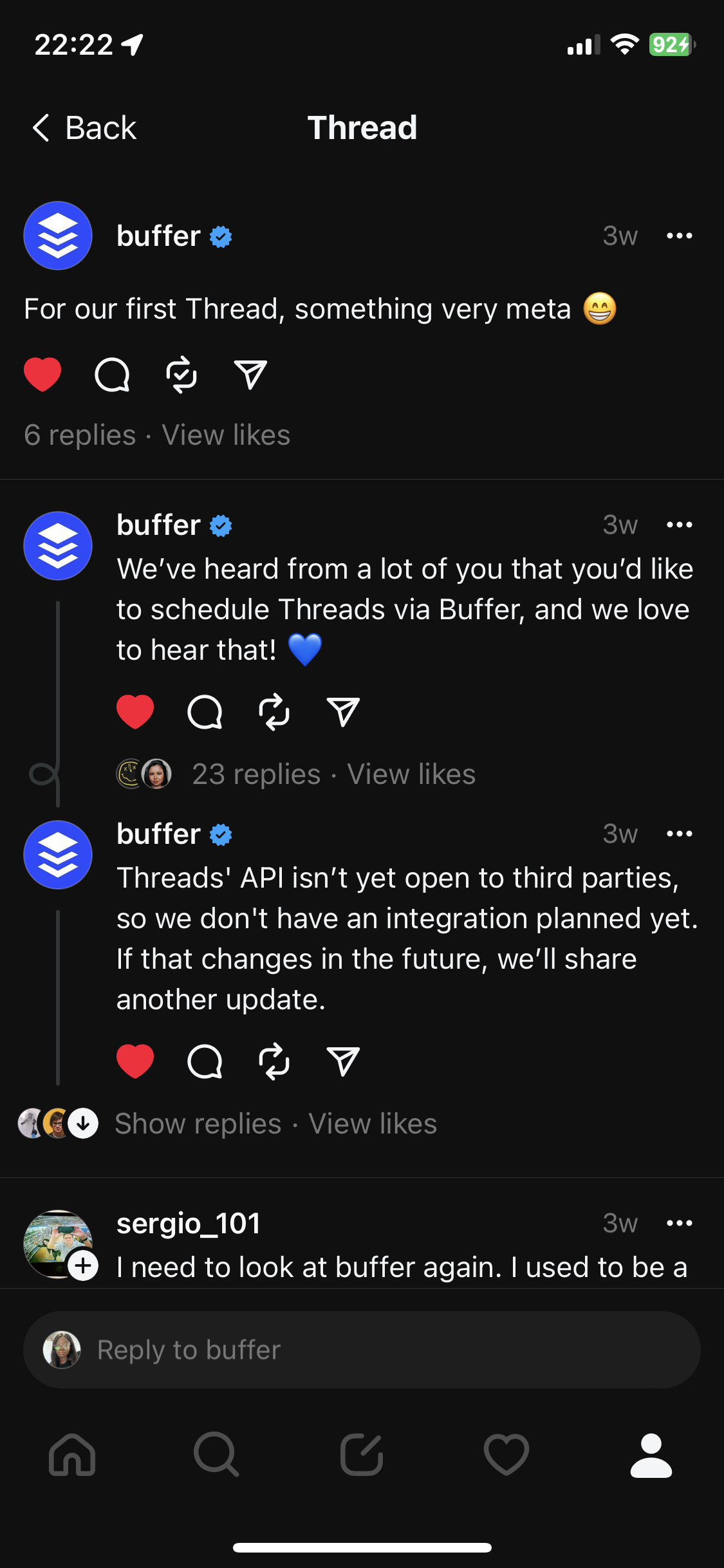
However, you can’t yet access it on a desktop, and there are no options (yet) for scheduling content in advance. We’ll let you know as soon as that changes.
How to sign up for Threads and set up your profile
You can sign up for Threads quickly with your Instagram account. To get started:
- Download the app from your iOS or Android app store
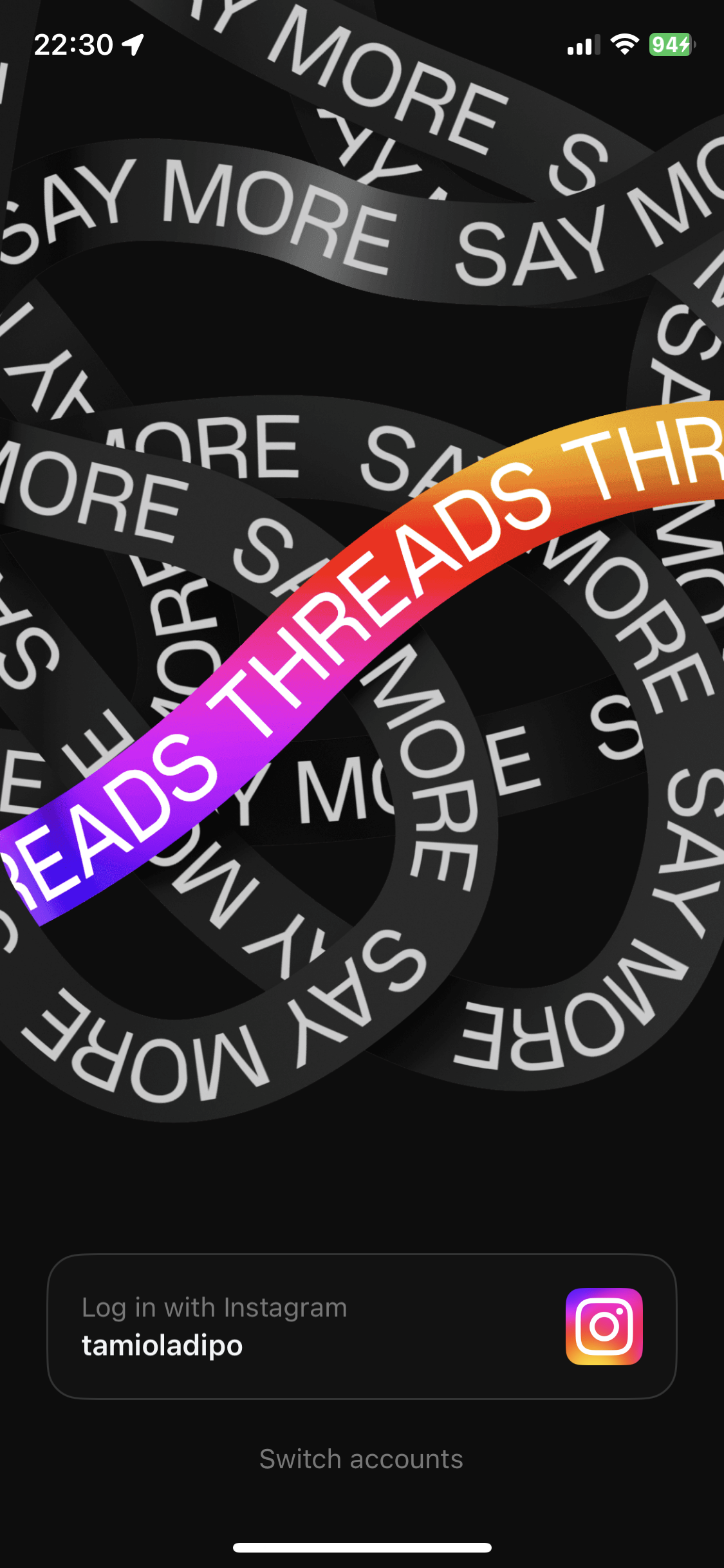
- Select “Log in with Instagram” – if you have multiple Instagram accounts, choose the profile you want to sign up with.
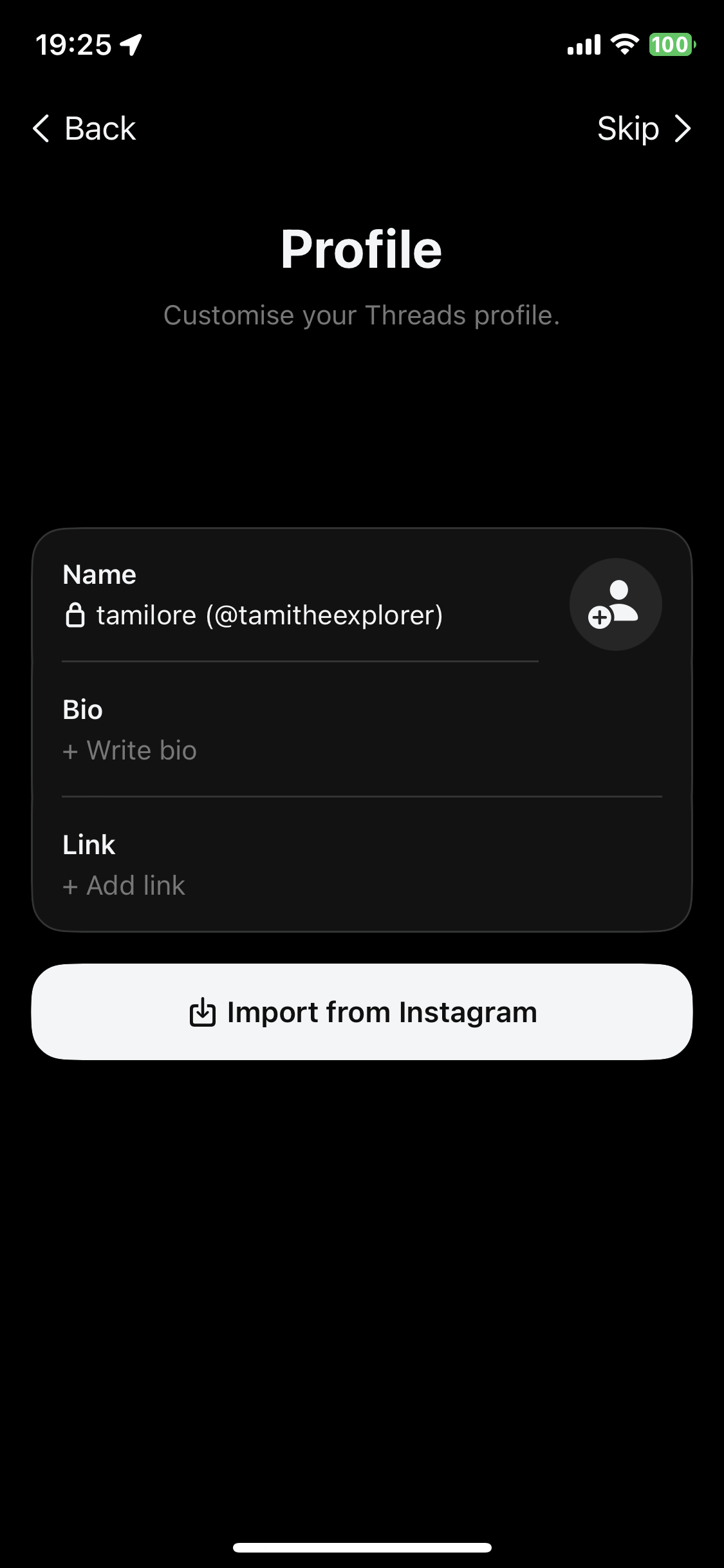
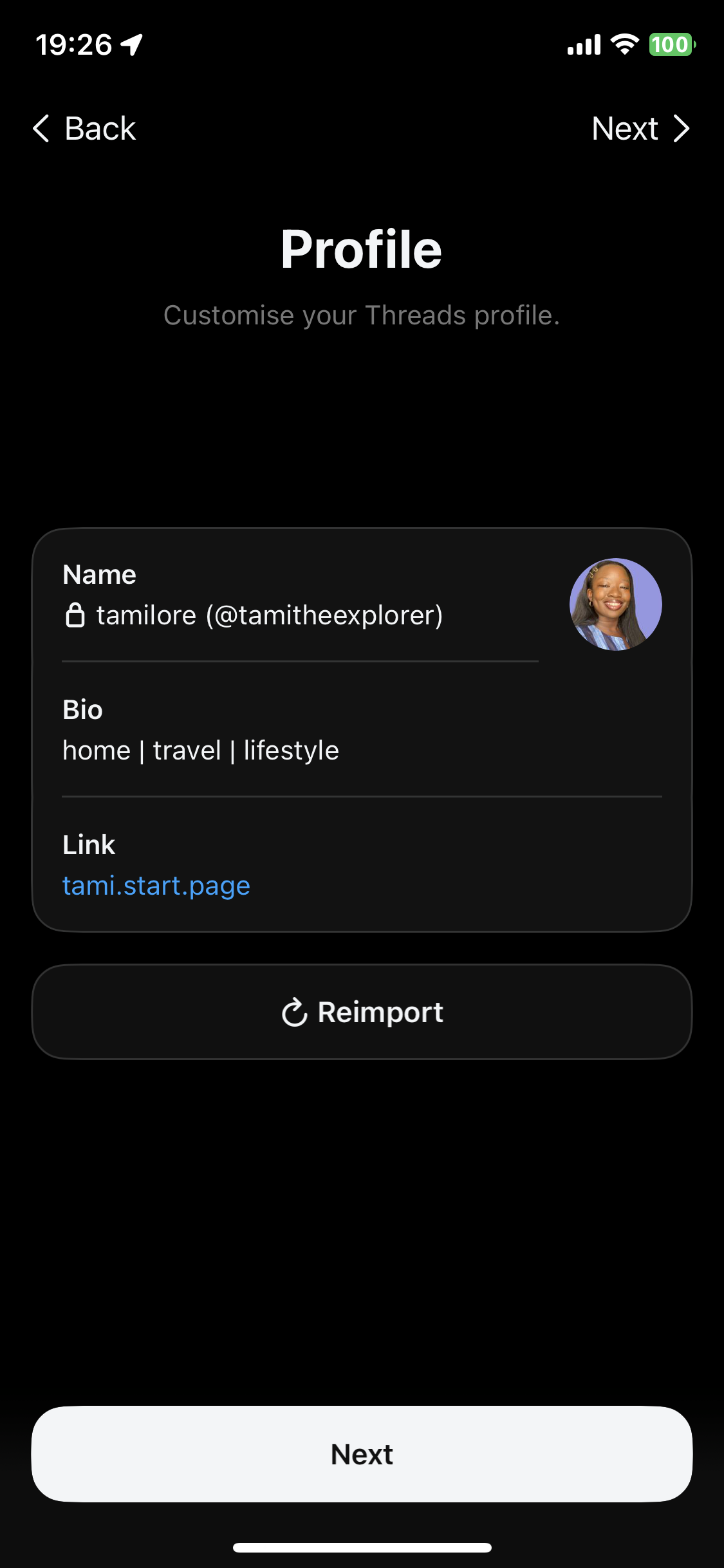
- Customize your profile by either customizing your name, profile picture, bio, and preferred link or selecting “Import from Instagram” which will bring over the details from your chosen Instagram account
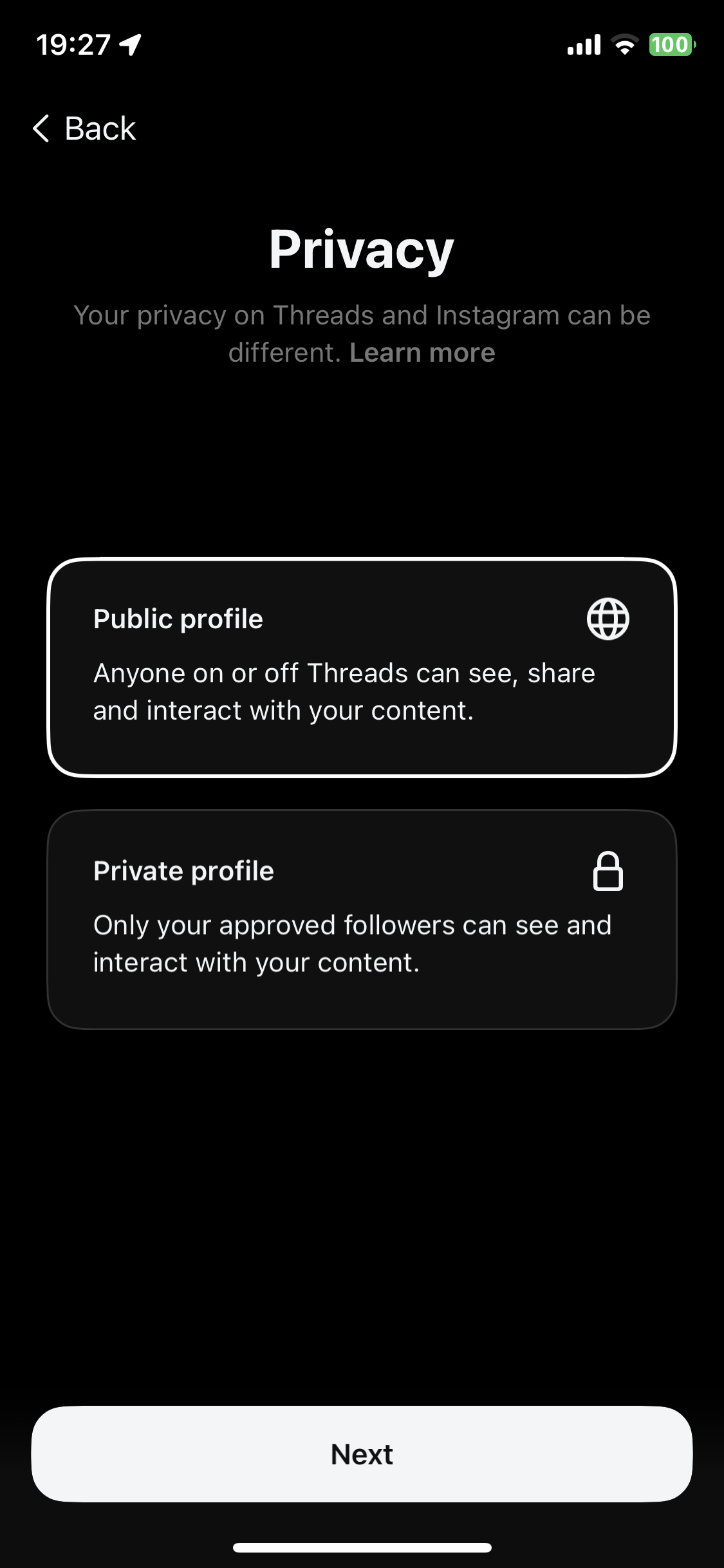
- Choose whether you want your profile to be “Public” or “Private”
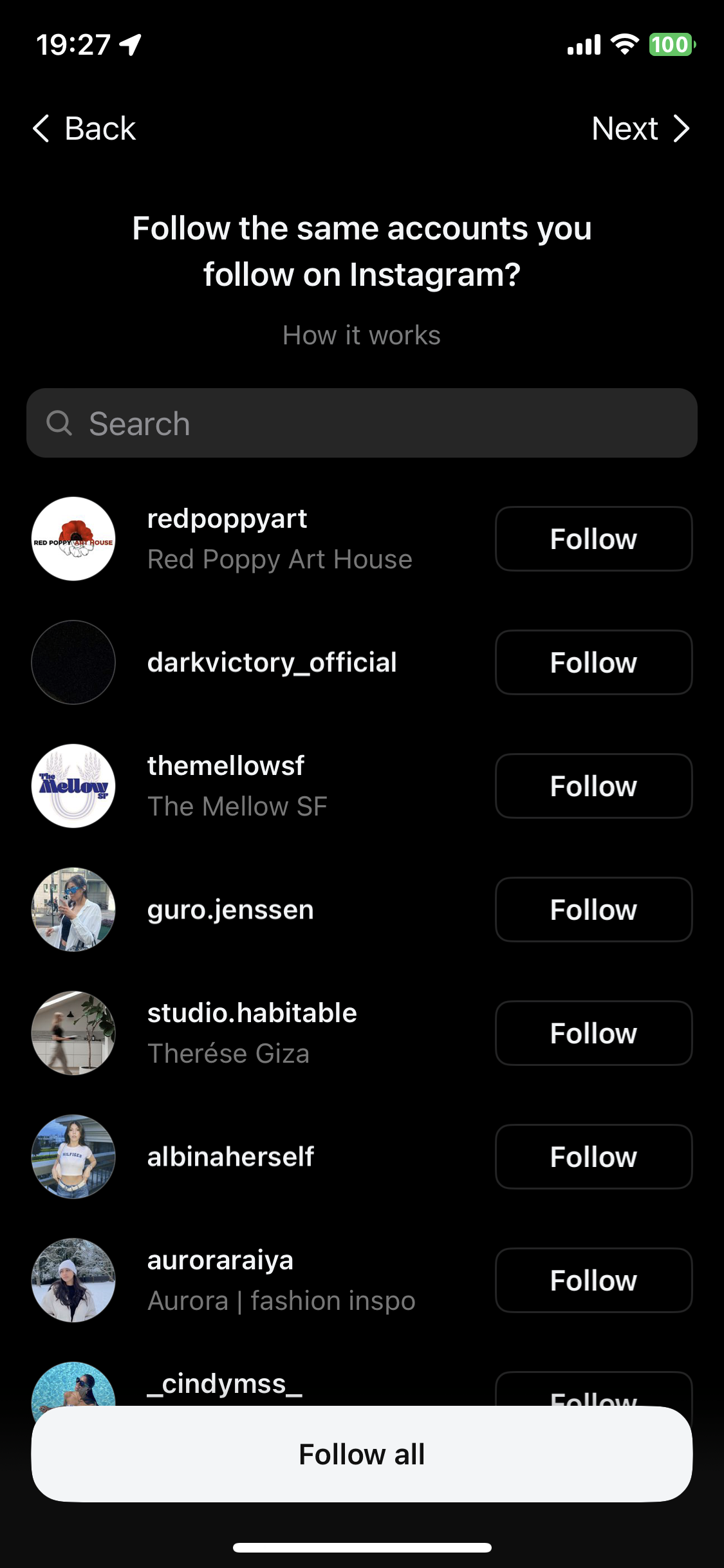
- Choose whether you want to follow all, some, or none of the same accounts you follow on Instagram
- There you go – you’re in!
You can deactivate your account by following these steps:
- Open the Threads app on your device and tap on your profile picture in the bottom-right corner.
- Tap the menu icon (two dashes) in the top-right corner to access the settings menu.
- Select Account.
- Tap on Deactivate profile.
- Confirm you want to deactivate your account by tapping Deactivate Threads profile.
However, if you want to delete your account, think twice. There is currently no way to delete your Threads account without deleting your Instagram account.
What should you be doing on Threads
There will be people wondering whether they should have a presence on Threads or not, but the answer there is definitely “yes.” However, when it comes to what to do on Threads, take comfort in the fact that no one knows yet.